BX65B Weighing Terminal

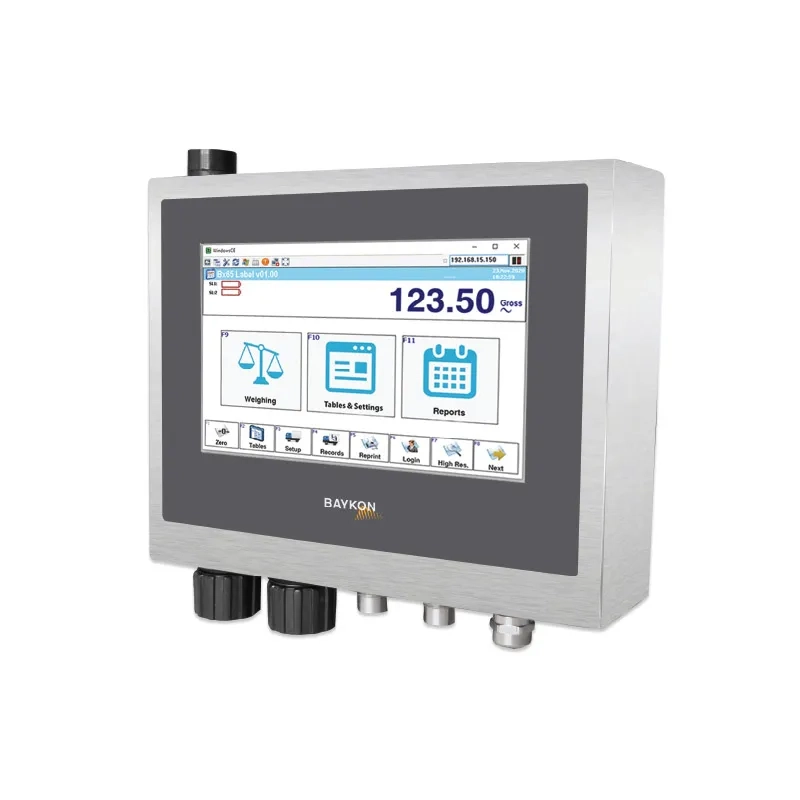
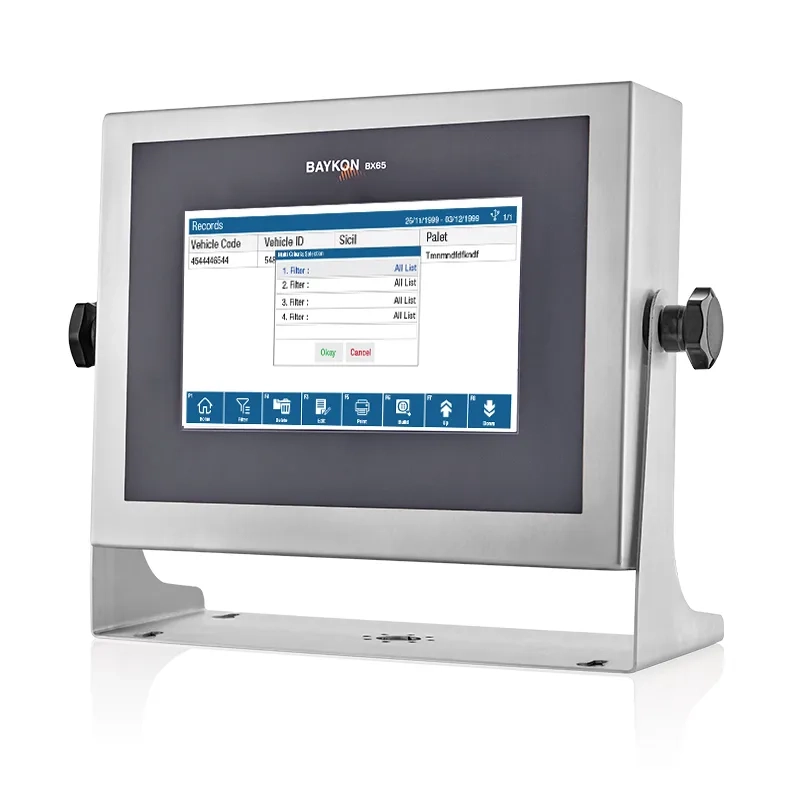
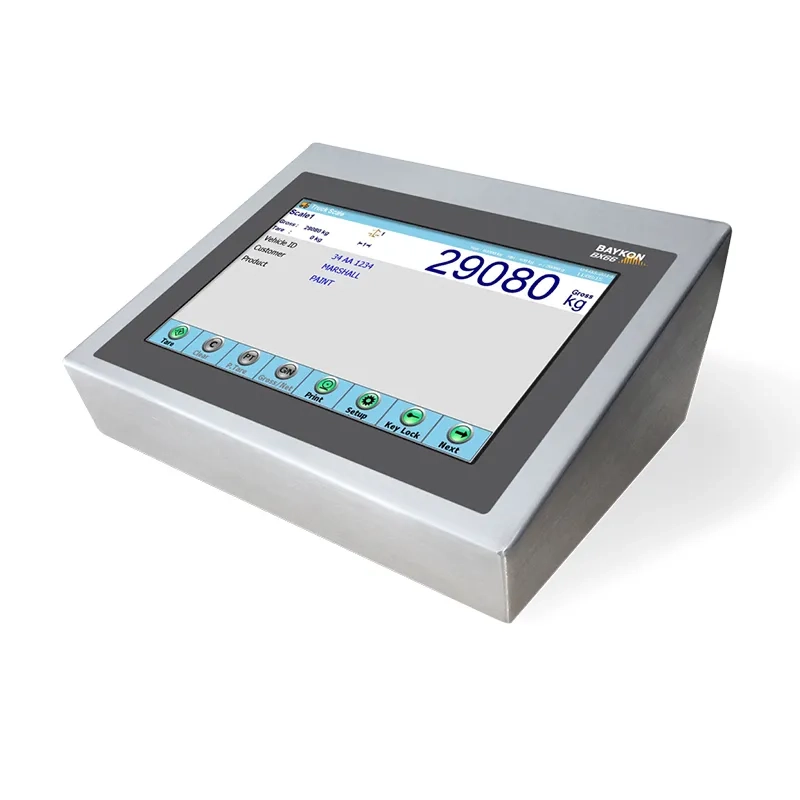
Baykon BX65B is a Windows CE Based Industrial Terminal with IP65 Protected Stainless Steel Housing and Designed for Mobile Weighing Applications. Its wireless communication with digital load cell-based weighing platform / scales provides enormous flexibility for industrial mobile weighing applications.
Baykon BX65B Terminal’s standard labelling and data collection software offers a customized weighing menu and ticket design with barcode. Transactional weighing data can be entered easily with 7” color touch screen monitor, wireless barcode and external PC keyboard. Peripherals like printers, barcode readers, remote display can be connected directly.
Weighing records saved in the terminal can be transferred directly to SQL Server with Web Service. Excel file transfer is also possible into USB memory or to a PC with Data Editor software.
Battery status is shown on BX65B monitor at battery powered scales. BX65B puts the battery powered load cell interface unit into sleep mode automatically to increase the battery operation time if the scale is at a standstill for a pre-programmed time.
Highlights
Measurement Type
Weight Measurement
Applications
Basic Weighing, Labelling, Totalization
Protection Class
IP30
Type of Device
Desk, Wall
Serial Communication
RS232, USB
Industrial Communication
Ethernet TCP/IP
Wireless Communication
Bluetooth, Wi-Fi
Web/PC Access
Web Service, Data Collection
Digital Input & Output
Input, Output
Energy Supply
10-30VDC, 36VDC, 48VDC, 72VDC, Battery
Other Features
Unit Conversion, eCal, Multi-point adjustment



Functional Features
Wireless Connection with Load Cell
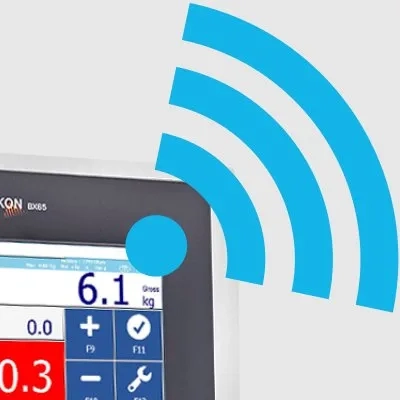
• Connection to digital load cellsand scales without cable.
• Battery status indication and automatic sleep mode for battery - powered load cells.
Flexible Weighing Operation with
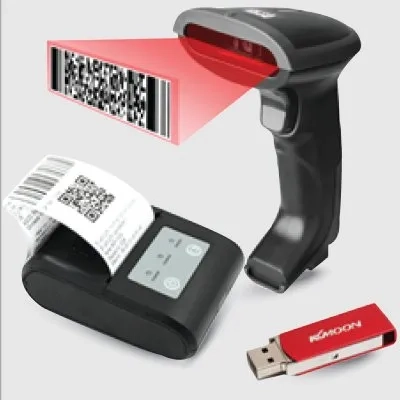
• User configurable weighing menu, label and report
• Serial and additive totalizing mode with total ticket
• Peripherals; barcode/RFID readers, printer, remote display, USB flash
Powerful Data Integration

• Web Service for online transfer to SQL Server
• File transfer as Excel to a PC by Data Editor software
• Data export to USB memory as Excel file
Technical Specifications
BX65B Weighing Terminal
Technical Specifications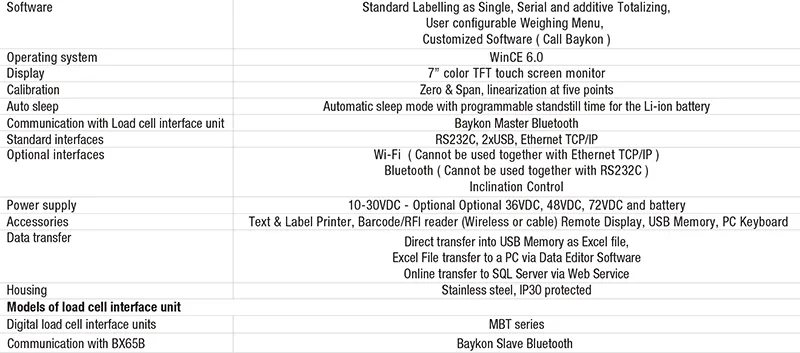
Dimensions
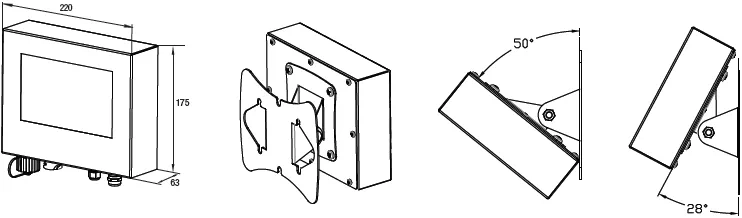
Documents
Name
Version
Description
Category
Data Type
BX65B Weighing Terminal Catalouge
Product Catalogs